Apps · Labels
BY Labels
Buy credits, share a BRD or guided answers plus sample field values for the preview.
We build a portable classic label (.pof + .msql).
You review a PNG preview, then Approve to download the install pack and use one credit.
Credit packs
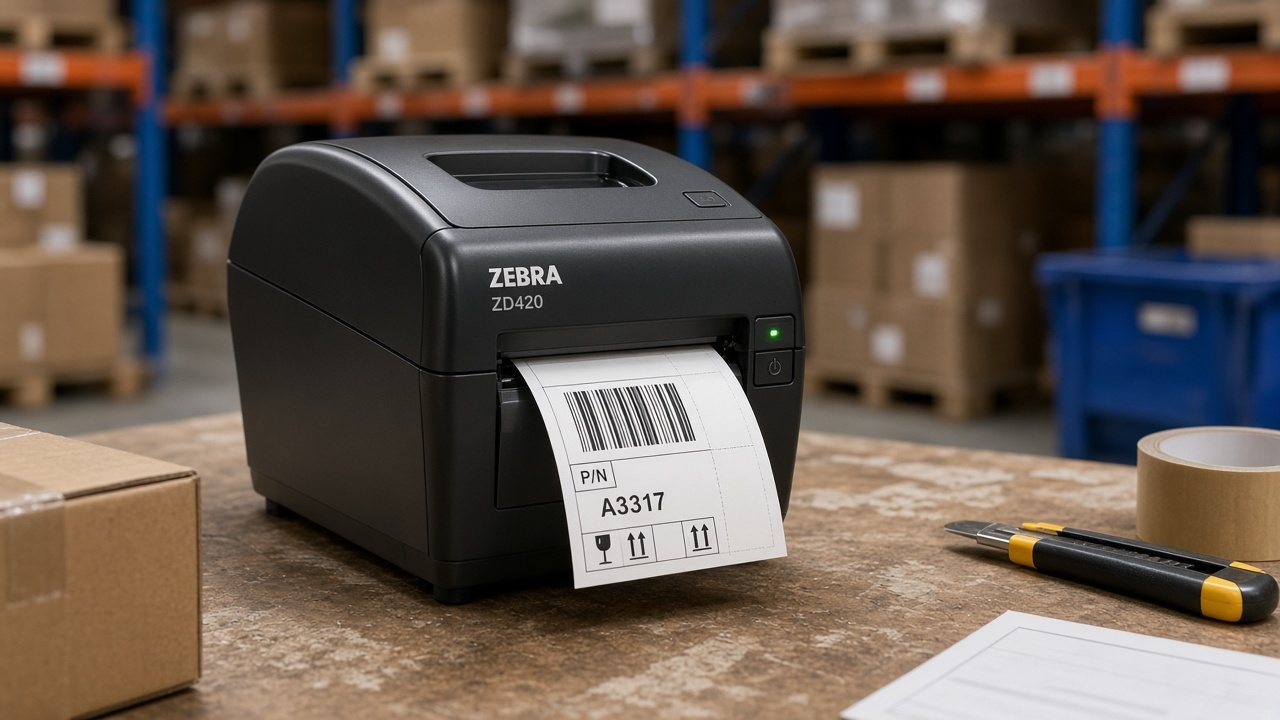
One credit = one label purpose through Approve (for example one pallet label).
| Pack | Price | Per credit | |
|---|---|---|---|
| 1 credit | $1,200 | $1,200 | Buy in Apps |
| 5 credits | $5,500 | $1,100 | Buy in Apps |
| 10 credits | $10,000 | $1,000 | Buy in Apps |
Rejected or failed samples do not decrement credits. Approval is the debit event. Small post-approve adjustments (typo, minor layout nudge) do not require a new credit inside the warranty window.
Workflow
The signed-in BY Labels app runs this path.
- Sign in and buy credits (Stripe; Invoice available for AP).
- Describe the label (label spec + sample field values; optional BRD or reference image).
- Generate preview: we build a portable label draft and show a PNG (source files stay with Viz27 until Approve). Revise as needed; previews are free.
- Approve when the preview looks right. One credit is used and the install pack unlocks. Request changes keeps your credit unused.
- Download / receive
.pof,.msql, format/rollout record, PNG, and install notes, then install on your non-production warehouse.
After download, you install on your non-production warehouse and verify with your own data. Questions about the pack or install notes: Contact Viz27.
What you provide
Form or BRD drives the draft (we clone a classic template — no browser designer in v1). Optional reference photo/mockup helps match an existing label.
- Label name and purpose (ship, pallet, carton, …)
- Warehouse / client scope
- Size, density (dpmm), rotation
- Field list (name, source, required)
- Barcodes / 2D codes
- Sample field values for the preview image (required)
- Acceptance criteria
- Optional BRD / reference image attachment
What you get on Approve
.pof— classic ZPL layout (portable).msql— data script (portable)- Label format / rollout install record — install, select, and test on your host
- PNG proof image
- Short install notes
Before Approve you review the PNG. After Approve you receive the components to install via rollout and select the format in your environment.
Free ZPL preview
Paste existing ZPL for a free PNG (our renderer — not Labelary). Unlimited for now. To generate a full portable label from a spec, sign in and use credits. Desk .msql help stays available.
Preview
Want the full label built?
Sign in to describe the label (or attach a BRD), get free generator previews, and Approve when ready.
One credit unlocks the portable .pof + .msql pack.
Or request desk help
Already have ZPL and need a .msql / data build or install help? We email the desk (consulting path, no credit debit).
Start a label job
Sign in to the BY Labels app with your work email. Describe the label (or attach a BRD), and we render a PNG preview from your sample field values. Previews and revisions are free. One credit is used only when you Approve, once per label.
If a few revisions still miss what you need, the Viz27 desk reaches out to help.