
Free in the browser
No signup. Your details stay on this page until you copy them.
Apps · Signature
Format a clean professional signature in your browser. Tweak name, title, colors, and contact lines, then copy rich HTML or plain text into Outlook, Gmail, or Apple Mail. Free. No account. Nothing is uploaded.
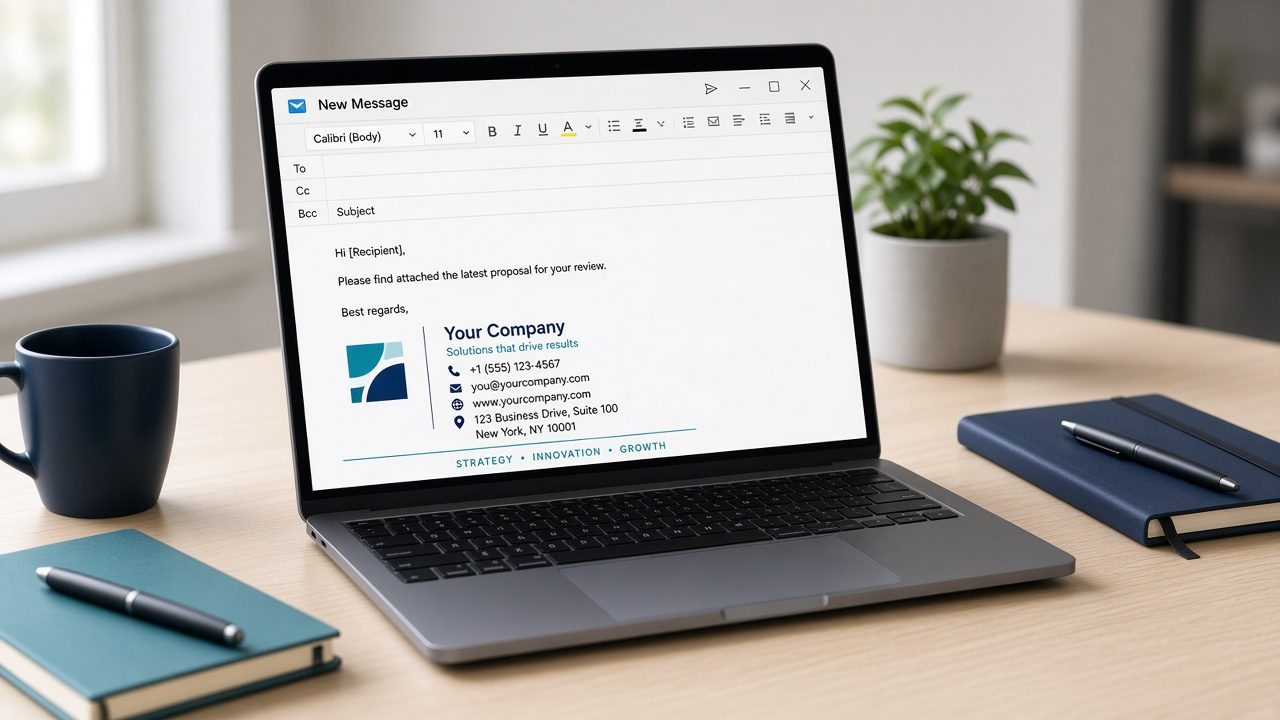
Changes update the live preview. Copy when it looks right.
Tip: use Copy rich signature, then paste into your mail app’s signature editor. Outlook on the web keeps colors best via that paste path.
New Outlook often strips colors if you inject HTML with a script. Use the rich clipboard paste path.
Gmail and Apple Mail: paste the rich signature into their signature settings the same way. Defaults use Viz27 brand colors (navy / teal / gold).
No signup. Your details stay on this page until you copy them.
Paste into Outlook, Gmail, Apple Mail, and most webmail signature settings.
Also try BY RF Form Preview and BY Labels free ZPL preview.